
Six CVEs, One Root Cause: Nobody Validates Packet Length Anymore
Ubiquiti dropped Security Advisory Bulletin 069 on September 22, and it reads like a checklist of every way you can crash a router by feeding it a malformed packet. CVE-2026-77544, CVE-2026-77555, CVE-2026-77556, CVE-2026-77558, CVE-2026-95861, and CVE-2026-95862 are all rated CVSS 7.5, all reachable over the network with zero authentication, and all boil down to the same failure mode: the parsing code trusts input it shouldn't. Three are out-of-bounds writes, two are out-of-bounds reads, and one is uncontrolled recursion, which is a fancy way of saying somebody forgot to put a depth limit on a loop that walks untrusted data.
None of these are remote code execution. They're denial-of-service bugs: send the right malformed frame at the right service and the gateway falls over. That sounds almost quaint next to July's CVE-2026-50746, a maximum-severity command injection in UniFi Connect, but a DoS bug on your edge router is not a shrug-it-off bug. If your Dream Machine crashes because someone on the WAN side lobbed a crafted packet at it, your VLANs stop routing, your WireGuard tunnel drops, and your Pi-hole or Blocky sinkhole goes dark with it. Everything downstream of the gateway inherits the outage.
Every Product Line, No Exceptions
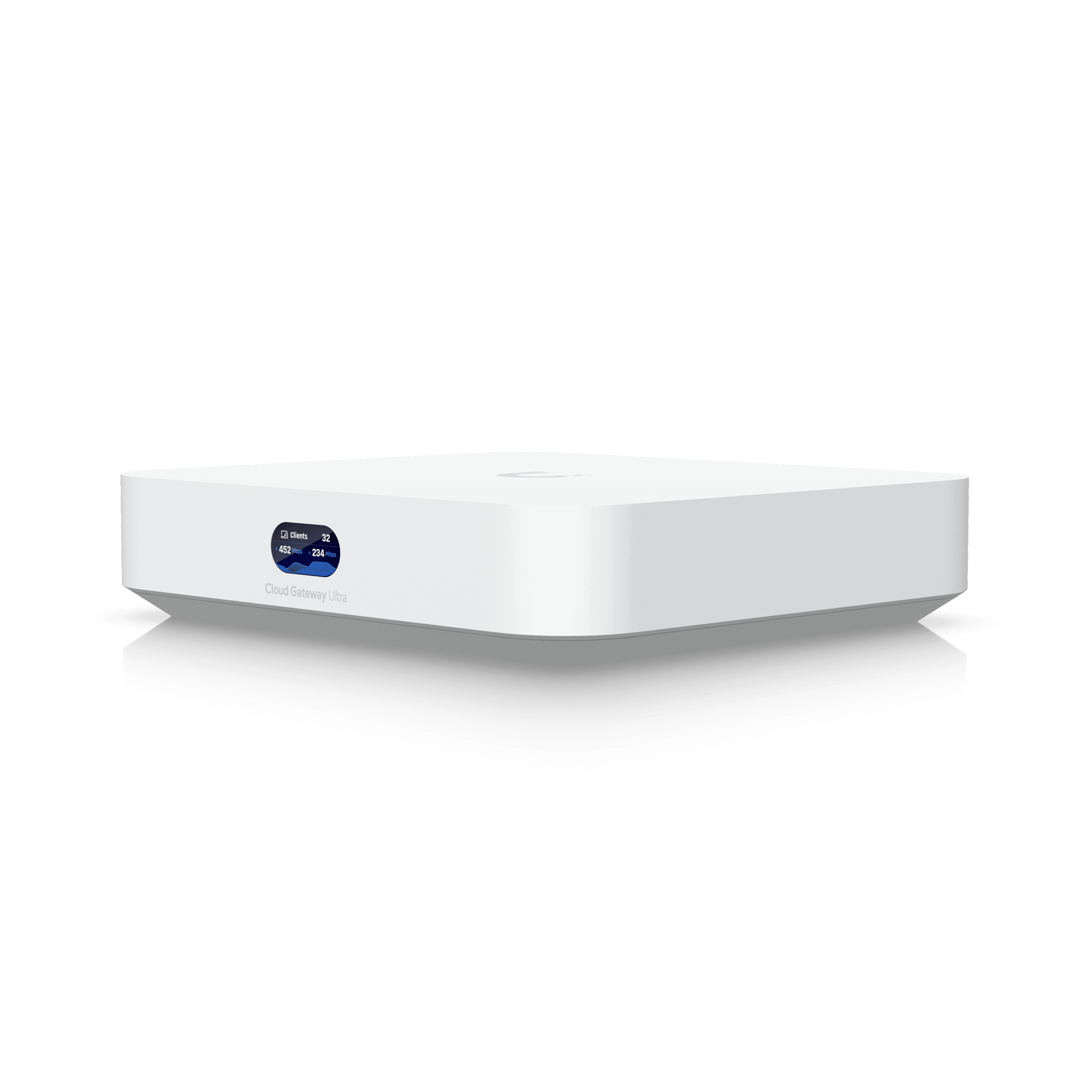
What makes Bulletin 069 worth a homelab operator's attention isn't the severity, it's the blast radius. The affected list is basically the entire current UniFi gateway catalog: Dream Machines, Dream Routers, Dream Wall, Enterprise Firewalls, and Cloud Gateways on firmware 5.1.26 or earlier, standalone UniFi Gateways (UXG) on 5.0.16 or earlier, the Express on 4.0.20 or earlier, and the Express 7 on 5.1.19 or earlier. If you bought into the UniFi ecosystem any time in the last two years, something in your rack or your closet is on this list. Fixed builds are UniFi OS 5.1.31, UniFi Gateways 5.1.26, and Express 4.0.21. Update tonight, not next weekend.
The advisory includes a line that deserves to be read twice: reachability depends on the network path, not the device's own firewall rules. That means the WAN-facing firewall policy you spent an afternoon tuning does not save you here, because the vulnerable code path sits below the point where your rules get evaluated. This is exactly the scenario VLAN segmentation exists for. If your UniFi gateway's management plane and your WAN uplink are on the same broadcast domain as everything else, one bug like this turns into a full-network outage instead of a contained one.
The Bigger Pattern: UniFi Has Had a Rough Year
Bulletin 069 isn't an isolated event, it's the latest entry in a run that includes Bulletin 067 (a CVSS 10.0 UniFi OS authentication bypass, also patched in 5.1.31), Bulletin 066 in July (25 fixes across UniFi Connect, Talk, Access, and Protect, including the command injection CVE-2026-50746), and an August bulletin disclosing 21 more critical flaws. That's not a company having a bad month, that's a platform whose attack surface has outgrown its QA cycle. Censys tracked roughly 88,000 internet-exposed UniFi management interfaces in March 2026. By August that number had climbed past 154,000. More people are running UniFi gateways with their controllers or management planes reachable from the open internet than at any point before, right as the bug count is accelerating.
If there's a lesson here, it's the same one I've been repeating since I built my first pfSense box out of a decommissioned Dell: your gateway's management interface has no business being reachable from the WAN, full stop. Put it behind a VPN, put it on a management VLAN, put it anywhere except directly exposed. A CVSS 7.5 DoS bug is annoying when your gateway sits behind a NAT boundary with the controller reachable only over Tailscale. It's a full outage when the same gateway's UI answers on port 443 to the entire internet because someone wanted one less hop to check on their network from a coffee shop.
What to Actually Do About It
If you're running UniFi gear, check your firmware version tonight: anything on Dream Machine OS below 5.1.31, UniFi Gateway below 5.1.26, or Express below 4.0.21 needs the update. While you're in there, audit whether the controller's management interface is reachable from outside your LAN, and if it is, put it behind WireGuard or Tailscale and close the port. This is also a good moment to double-check that your gateway isn't the single point of failure for your DNS sinkhole and your VLAN routing at the same time. Segment it so that when the next bulletin lands, and given this year's pace there will be a next one, a crashed gateway takes down your internet connection and nothing else.
Loading comments...